This article will explain how to delete an assessment.
1. Login to your Pathways account through Clever, ClassLink, or at pathwayslearningstudio.com.
2. Navigate to 'Assessment' → 'Home.'
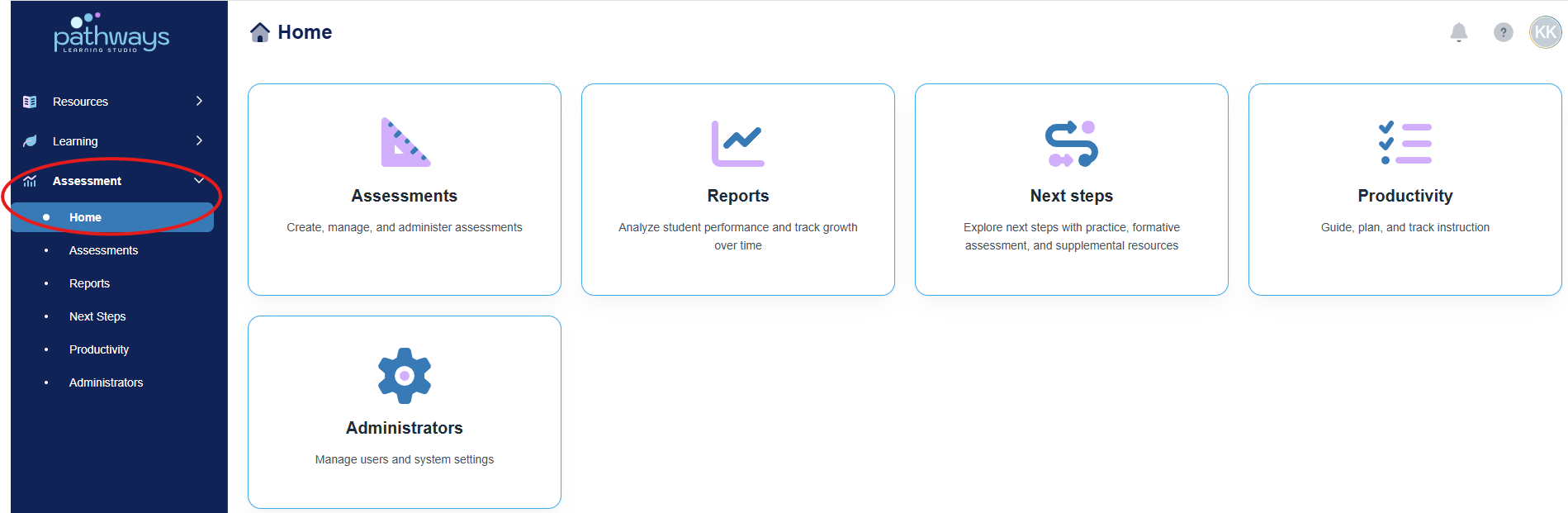
3. Select the 'Assessment' tile.
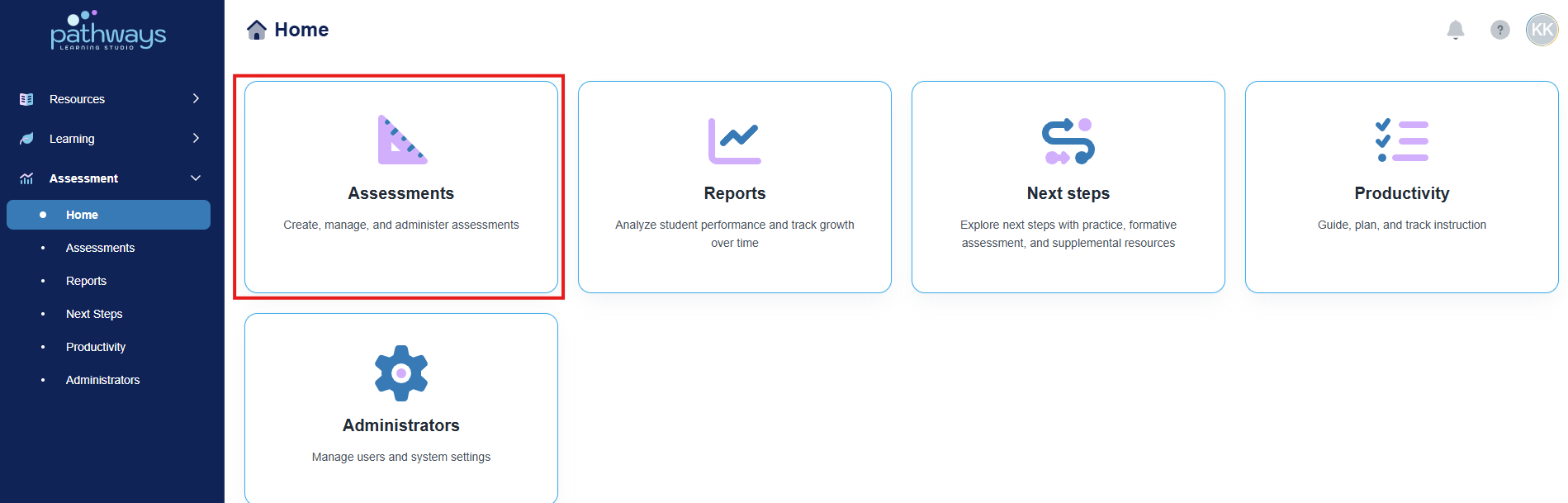
4. Select the 'Test' tile.
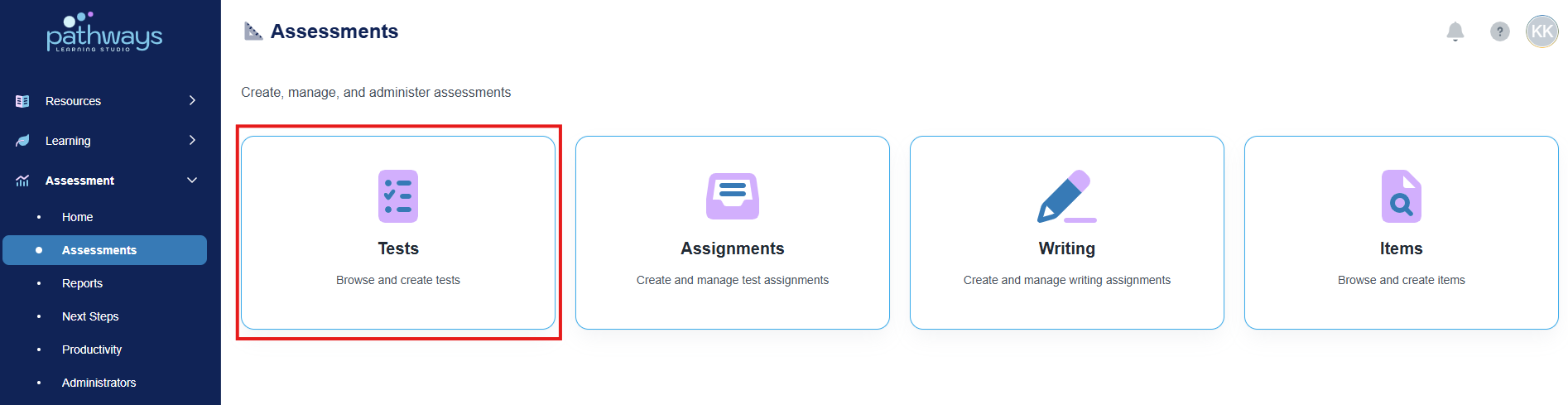
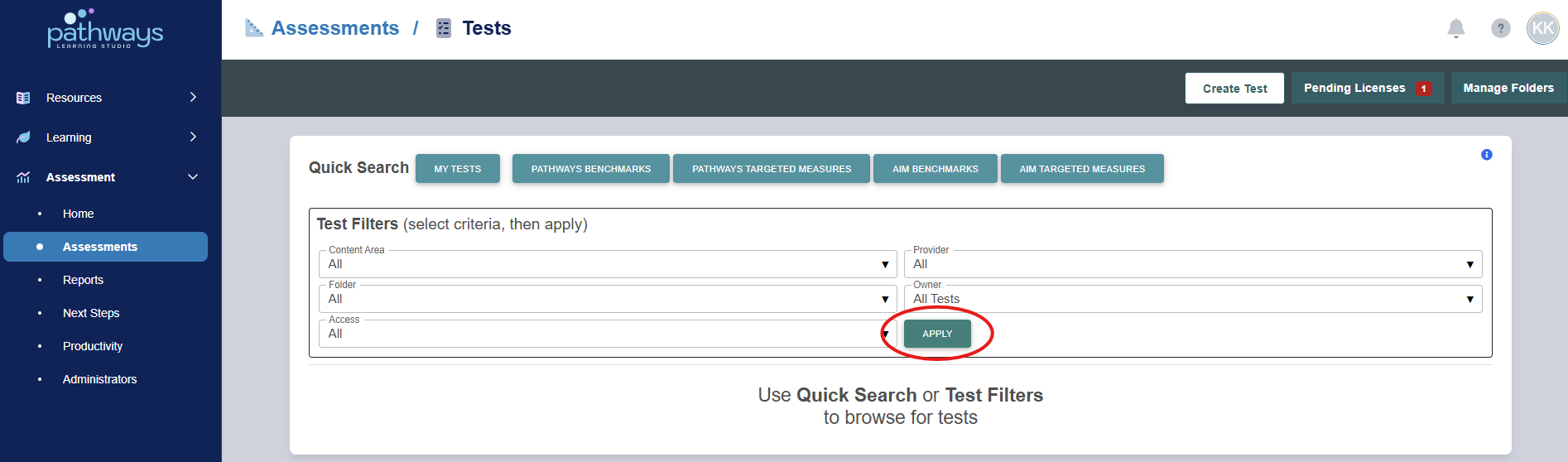
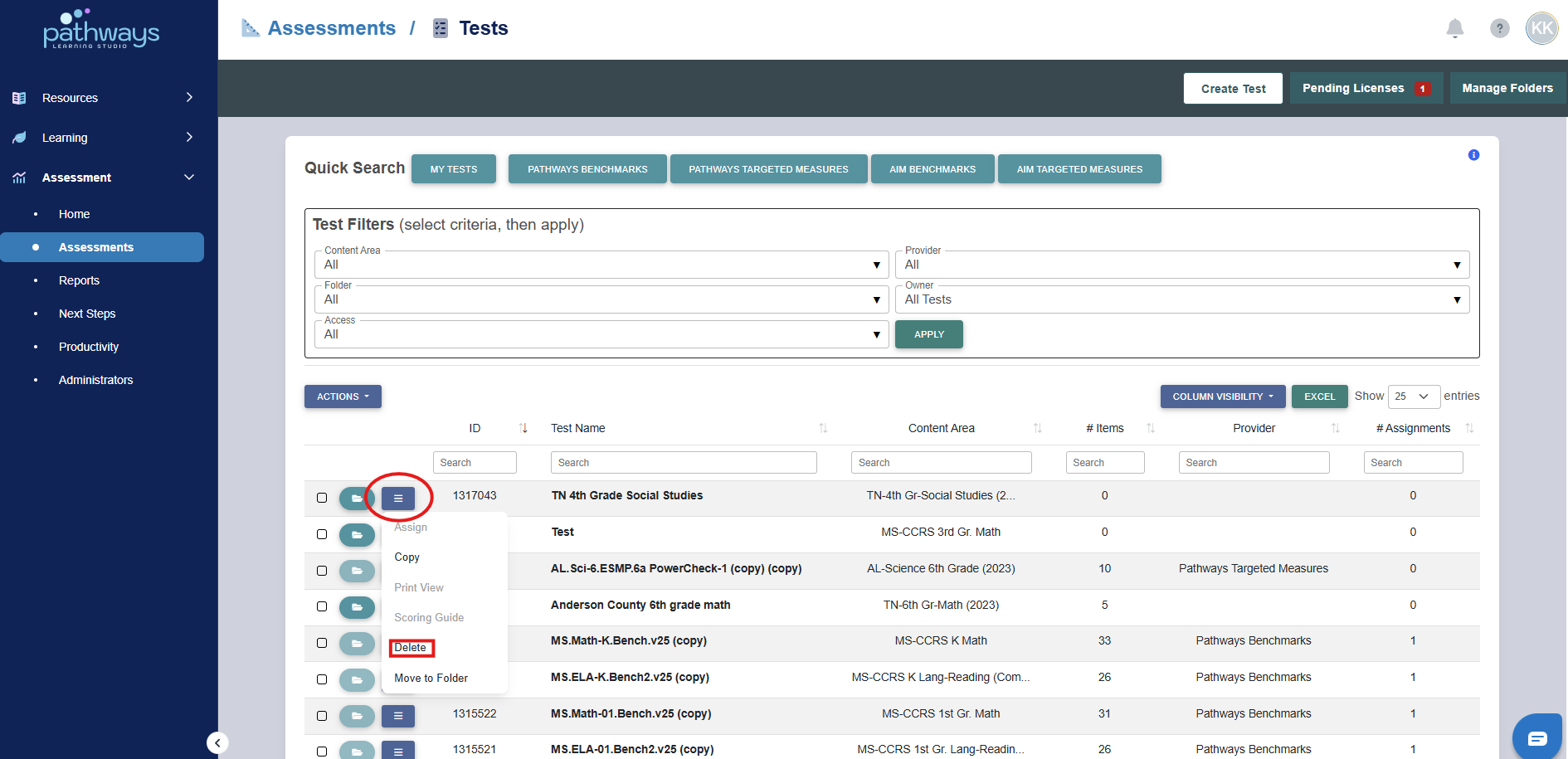
5. Select 'Apply' to load all existing assessments.
6. Locate the assessment that needs to be deleted, then select the collapsed menu to the left of the test ID and choose ‘delete.’
Note: If you are unable to choose ‘delete,’ it is likely because the assessment has been assigned by you or another teacher, or the assessment was not created by you.
Was this article helpful?
That’s Great!
Thank you for your feedback
Sorry! We couldn't be helpful
Thank you for your feedback
Feedback sent
We appreciate your effort and will try to fix the article