Lesson Planet Bundles are classroom-ready collections of standards-aligned supplemental resources from the award winning Lesson Planet resource library. Lesson Planet Bundles are created to support re-teaching, remediation, or enrichment efforts in the classroom. To access the resource bundles, follow these steps:
1. Login to your Pathways Assessment account through Clever, ClassLink, or at pathwayslearningstudio.com.
2. Navigate to 'Assessment' on the left-hand navigation bar.
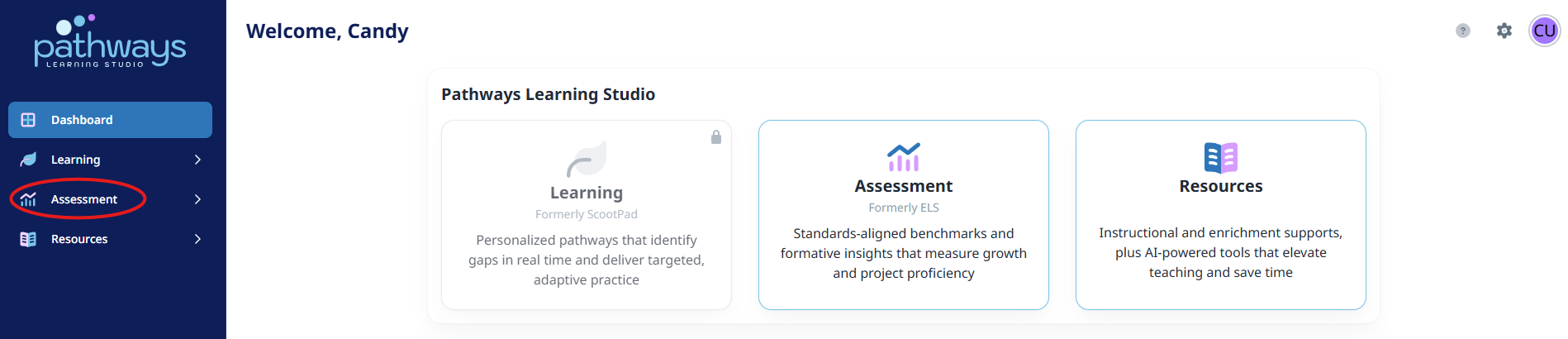
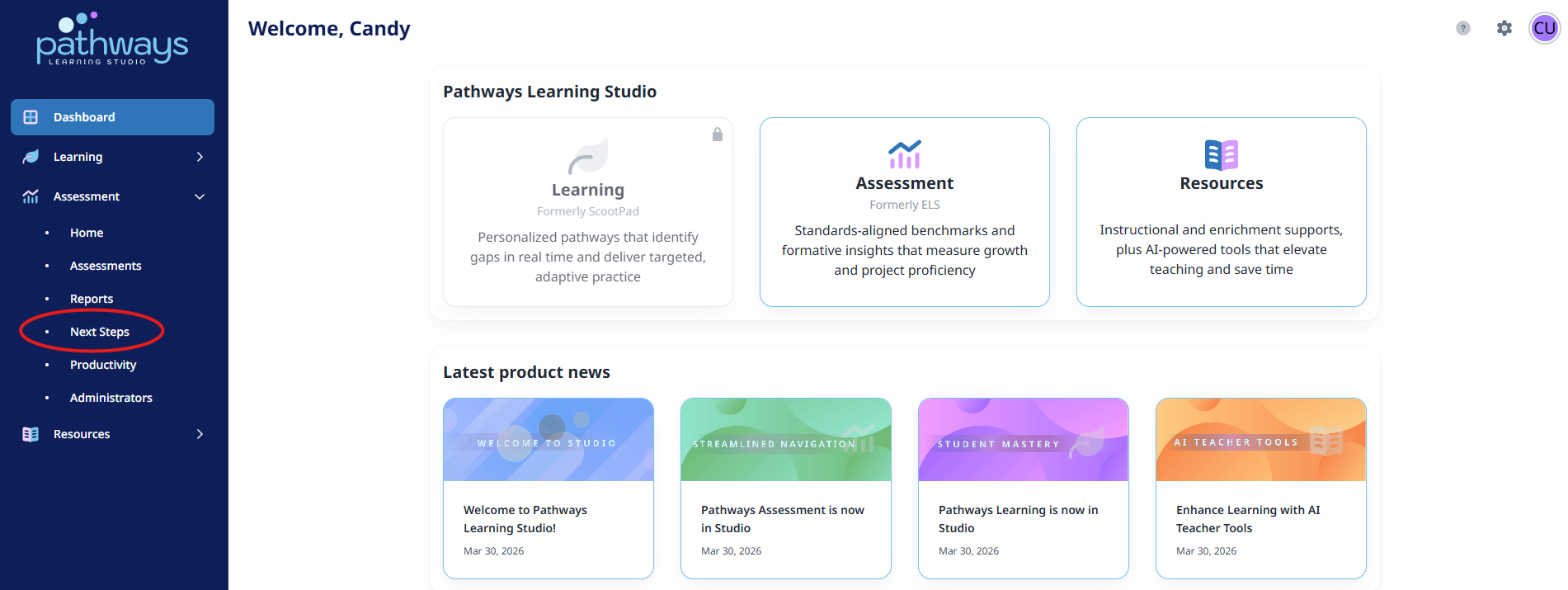
3. Navigate to 'Next Steps' on the left-hand navigation bar.
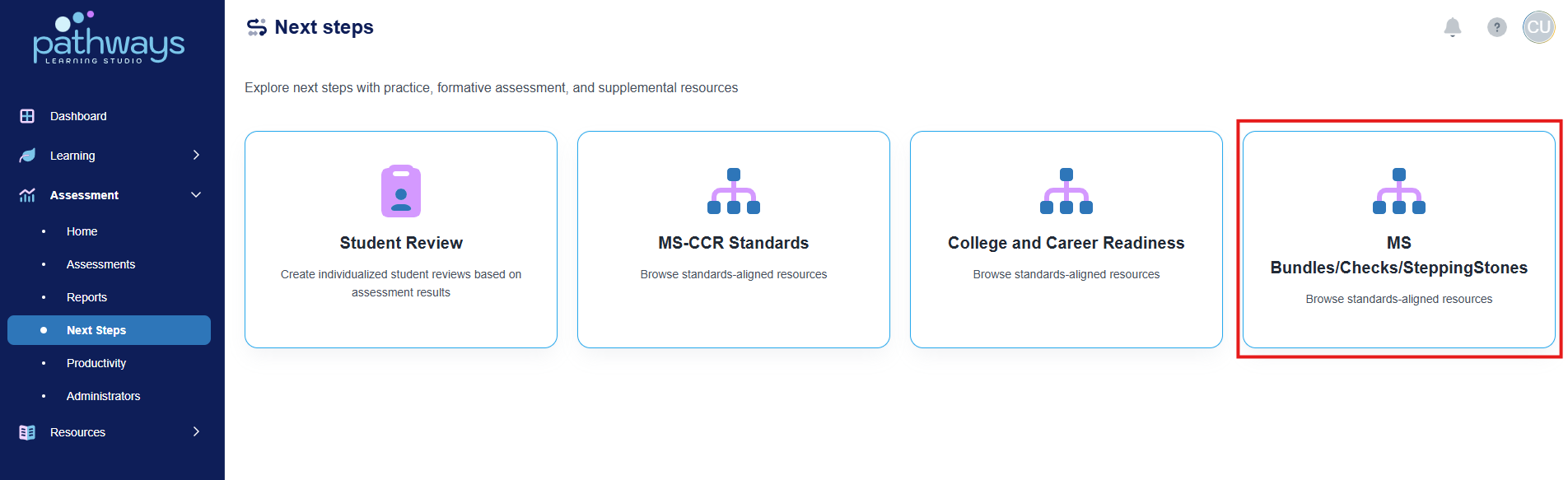
4. Select 'MS Bundles/Checks/Stepping Stones.'
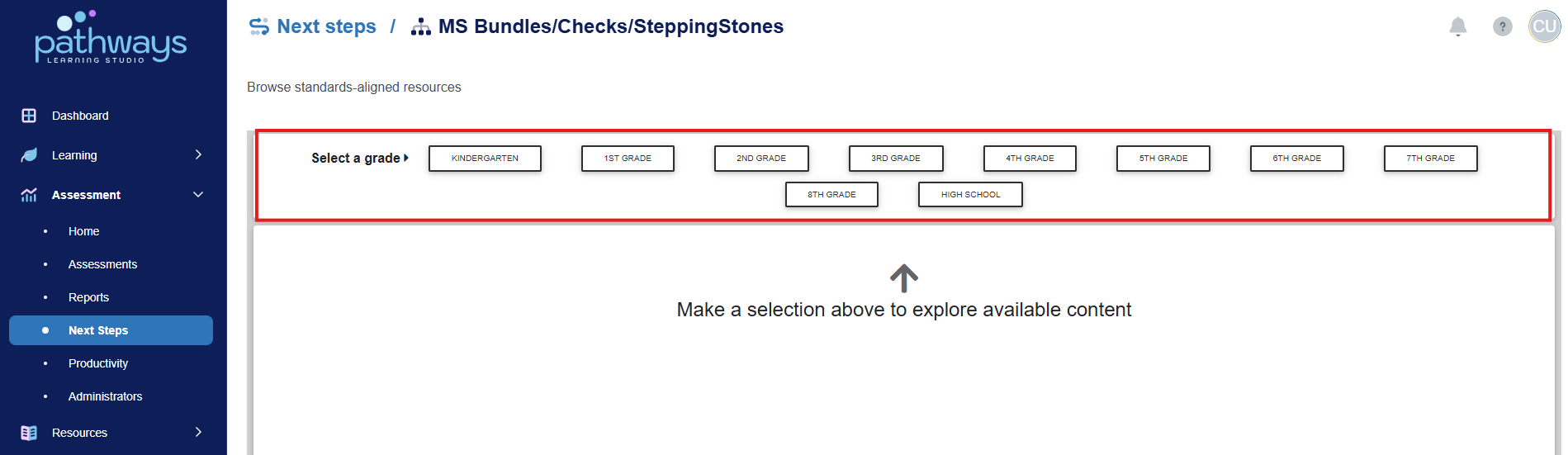
5. At the top of the screen, select the grade level for which you wish to view a Lesson Planet Bundle.
6. Next, select the subject for which you wish to view a Lesson Planet Bundle.
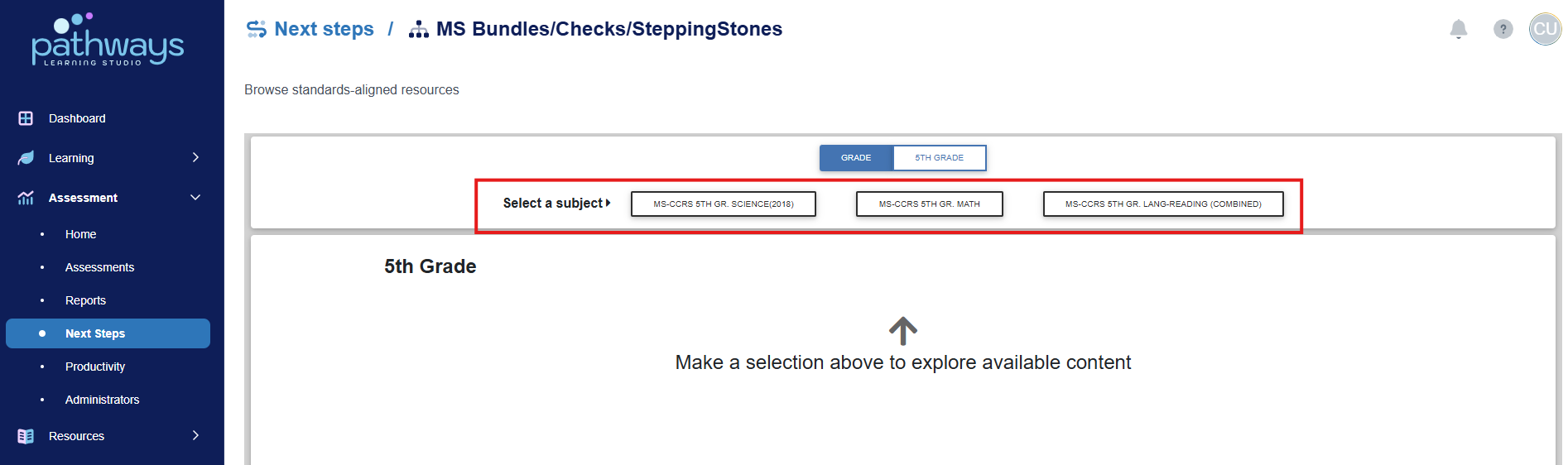
7. Next, scroll down to find the standard for which you would like Lesson Planet resources.
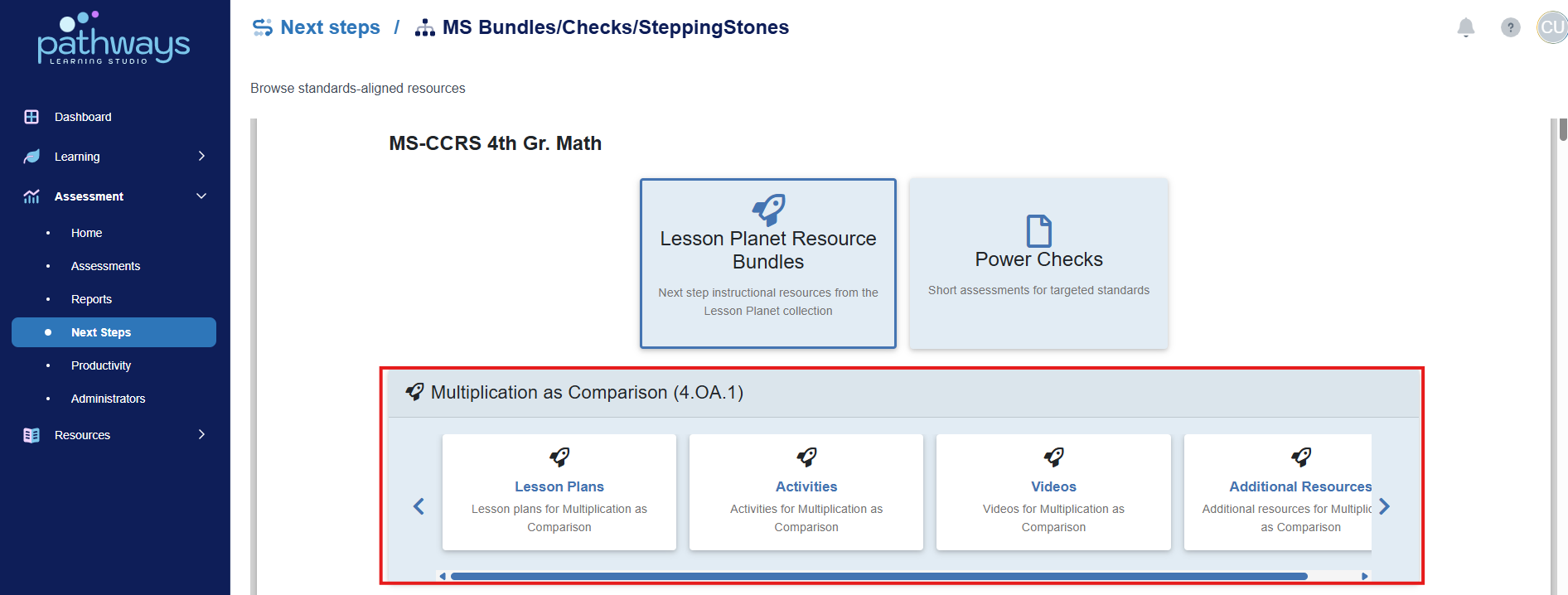
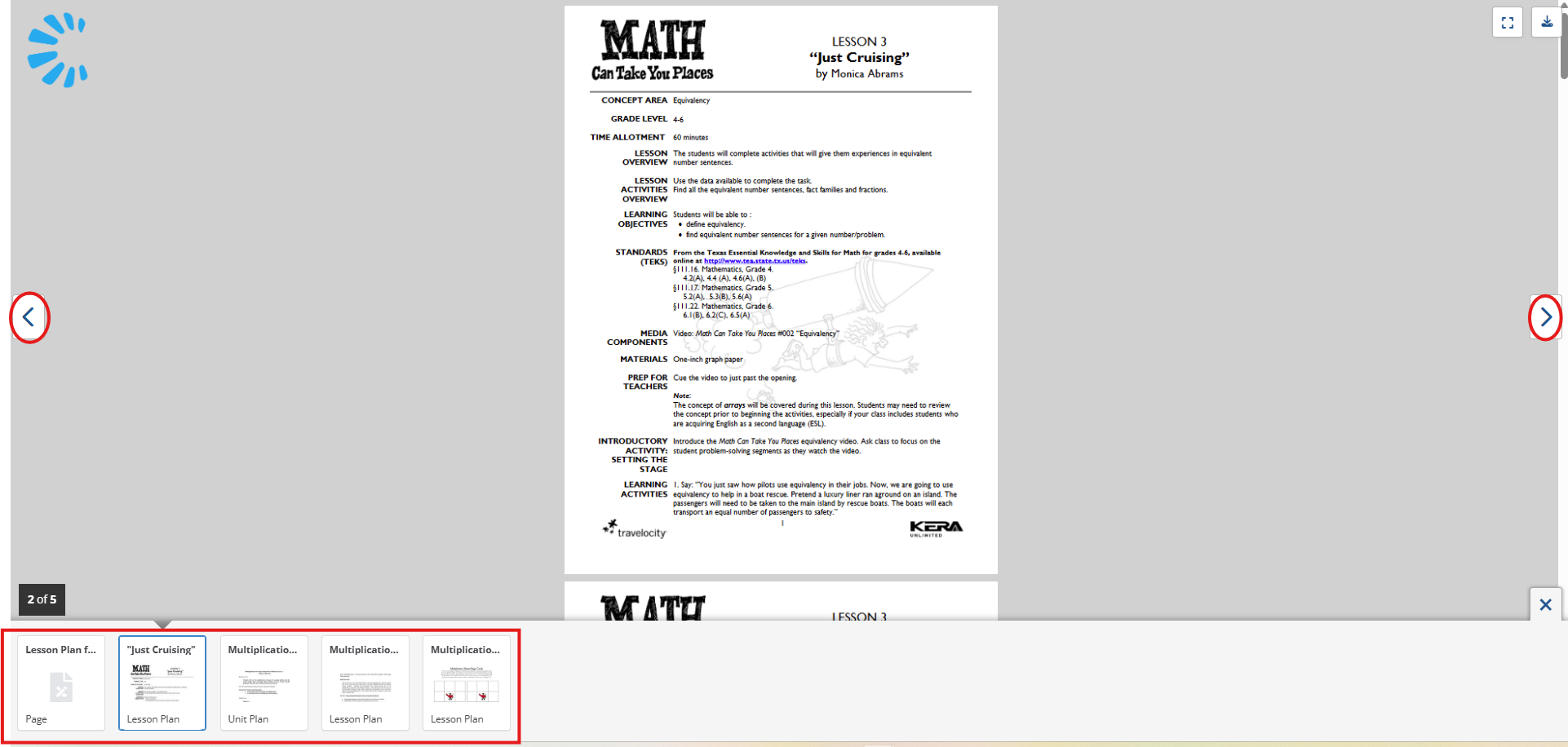
8. Once you've selected the type of resource you wish to find, you will be directed to the bundle of resources. To navigate the resources, switch between pages at the bottom of the screen or use the arrows at the sides of the screen.
Was this article helpful?
That’s Great!
Thank you for your feedback
Sorry! We couldn't be helpful
Thank you for your feedback
Feedback sent
We appreciate your effort and will try to fix the article