This article explains how to securely upload state assessment scores.
In order to see state baseline data within the platform, a district administrator must upload the released state assessment results through their Pathways Assessment account.
Because these files contain personal identifiable information (PII), they must be shared through our secure portal. Please do not email assessment data files to any Pathways Assessment team member.
1. Login to your Pathways Learning Studio account through Clever, ClassLink, or at pathwayslearningstudio.com.
2. Navigate to 'Assessment' → 'Home.'
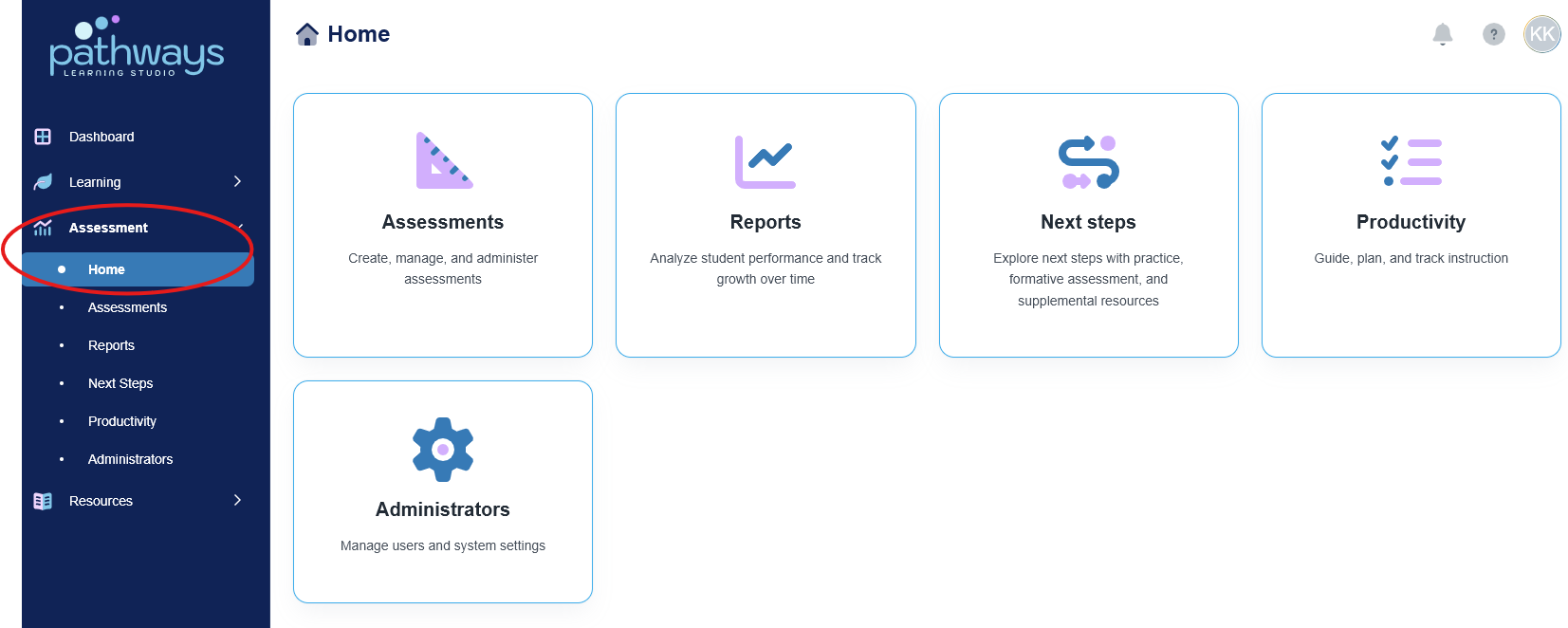
3. Select the 'Administrators' module.
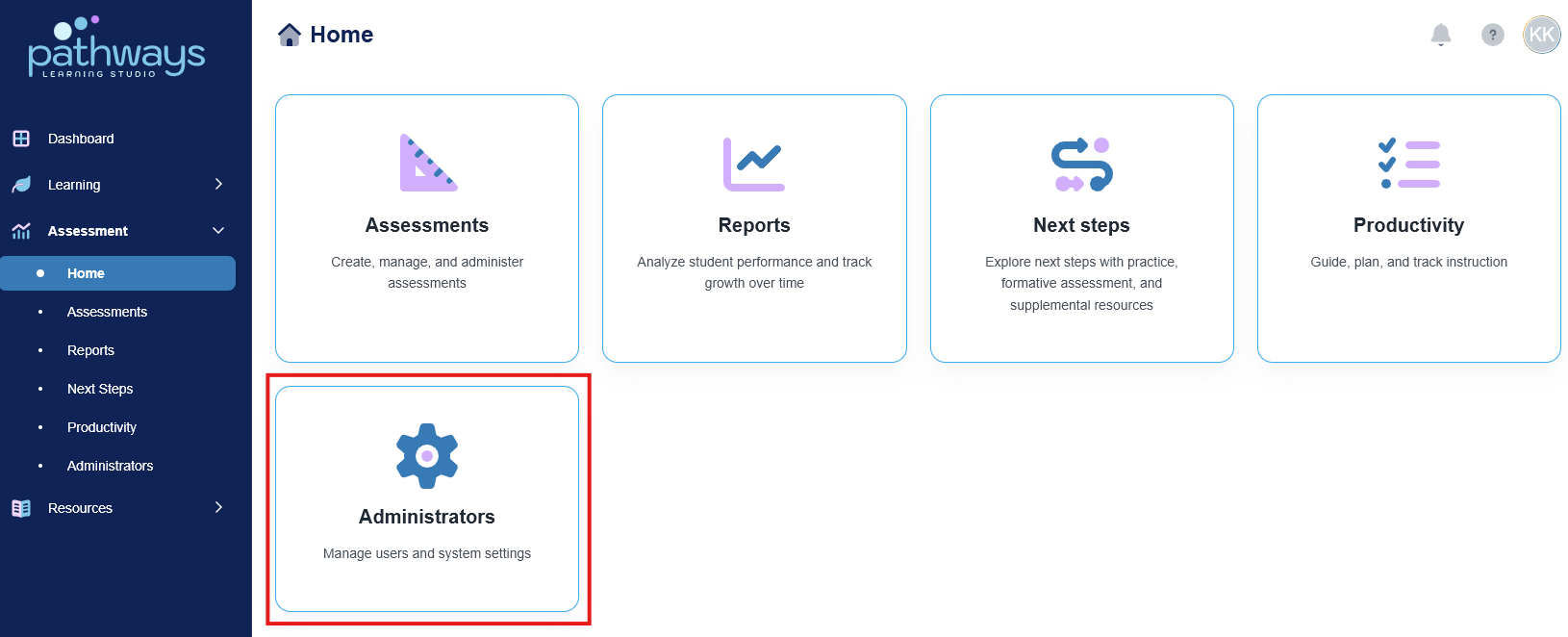
3. Select 'Upload File.'
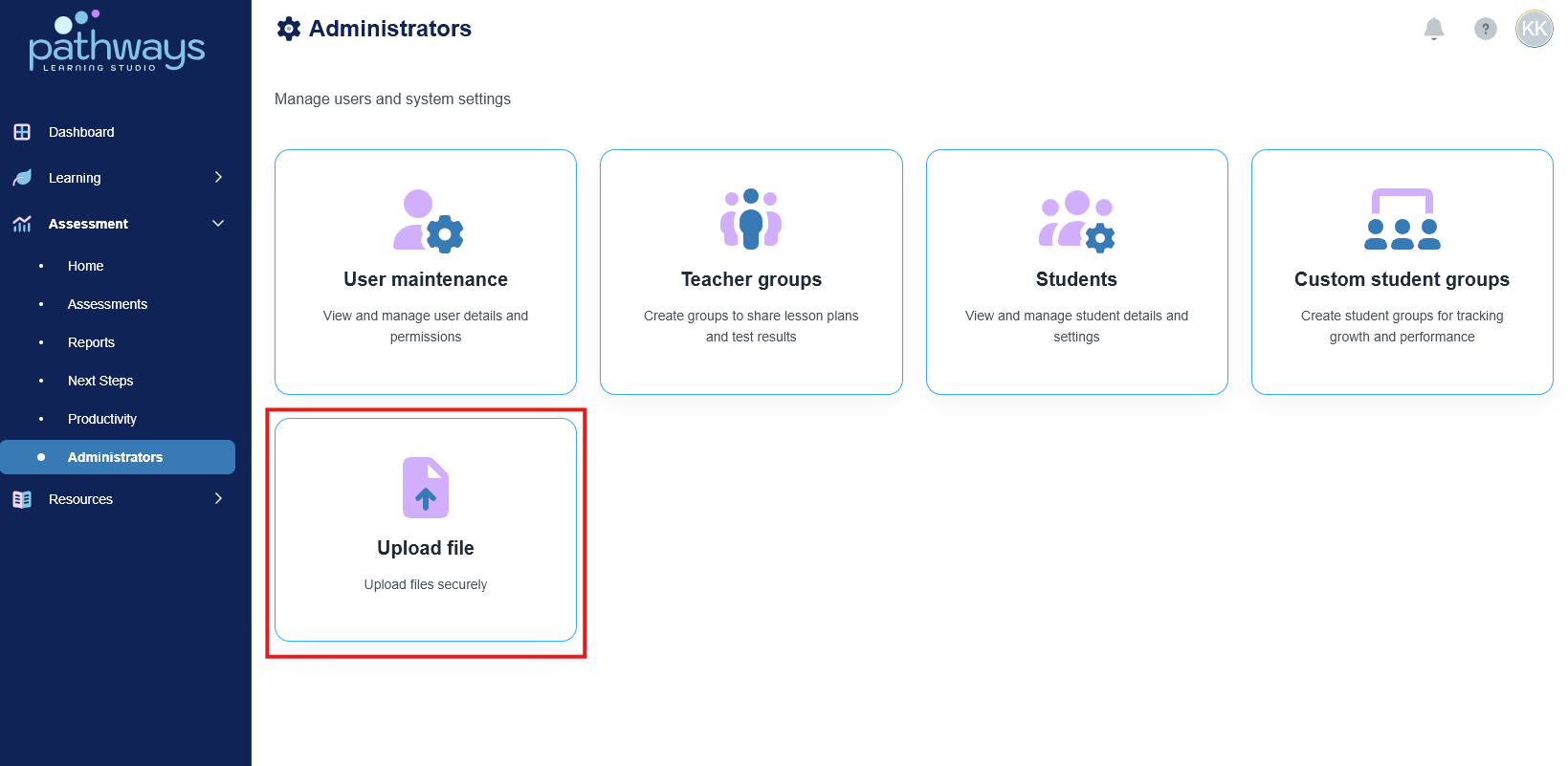
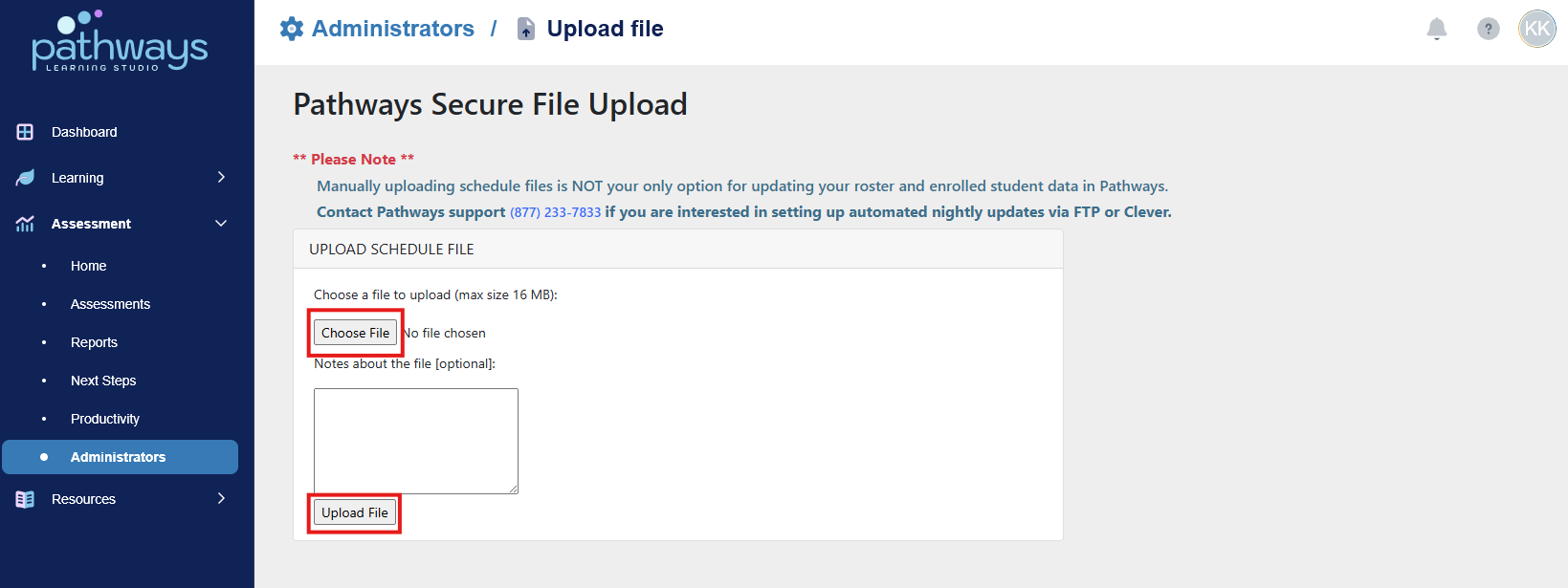
4. Select 'Choose File' and select the correct file from the desktop. Once the file has been chosen, select 'Upload a File.'
Was this article helpful?
That’s Great!
Thank you for your feedback
Sorry! We couldn't be helpful
Thank you for your feedback
Feedback sent
We appreciate your effort and will try to fix the article