1. Login to your Pathways account through Clever, ClassLink, or at pathwayslearningstudio.com.
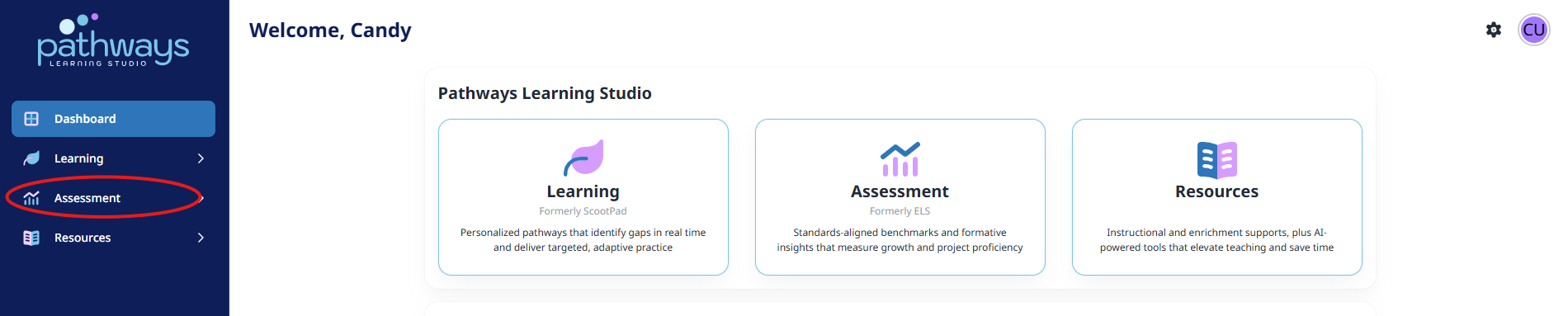
2. Navigate to 'Assessment' on the left-hand navigation bar.
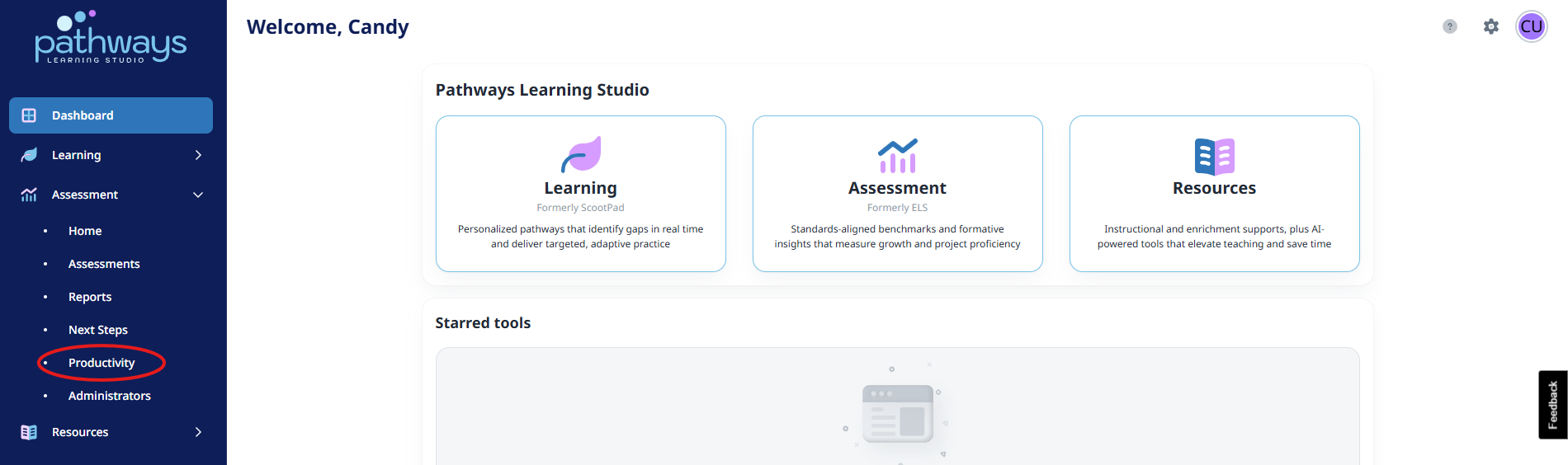
3. Navigate to 'Productivity' located under 'Assessment' on the left-hand navigation bar.
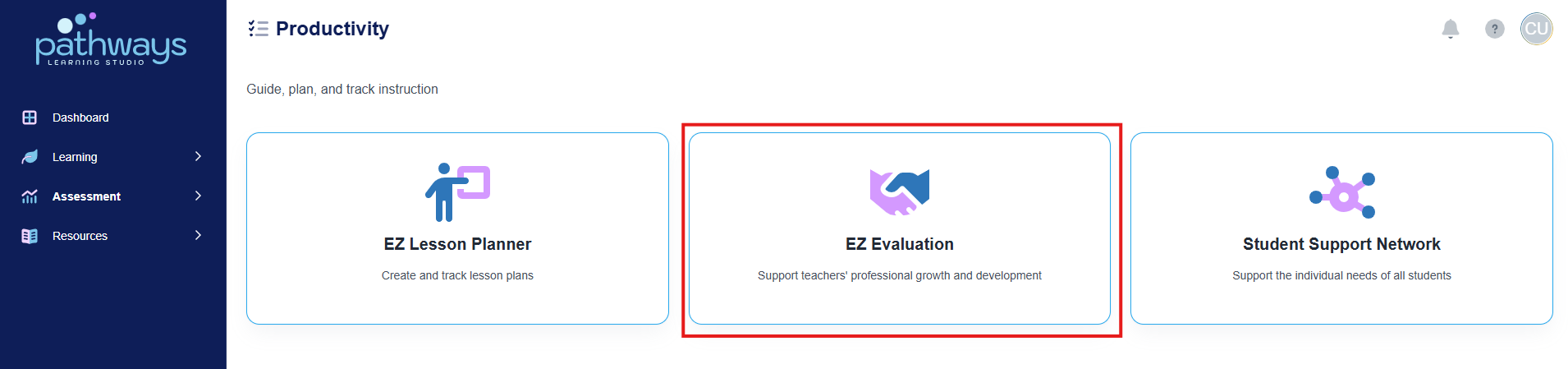
4. Select 'EZ Evaluation' from the Productivity dashboard.
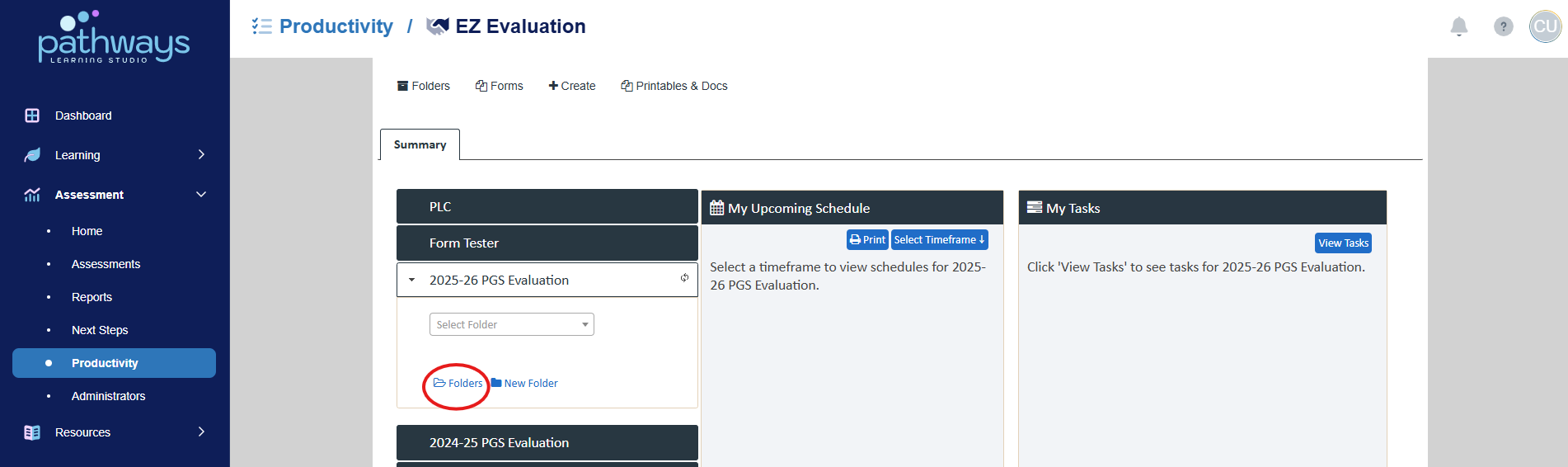
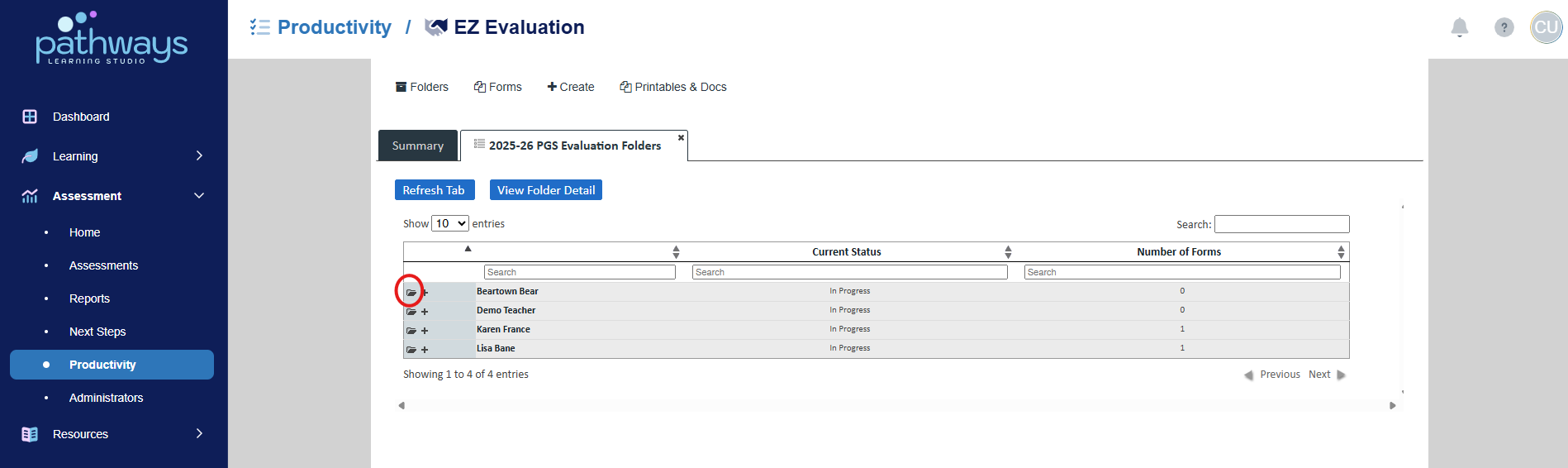
5. Choose ‘Folders’ under the current year’s event.
6. Choose the folder icon to the left of your name.
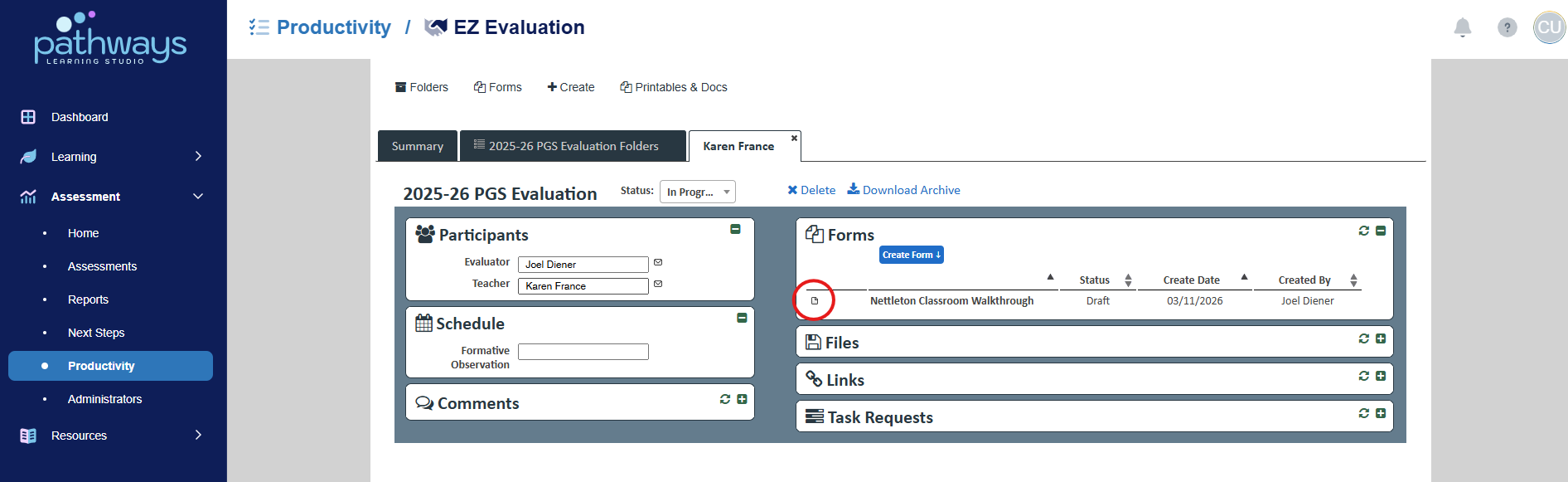
7. Select the document icon to the left of the evaluation title to view the evaluation. If you do not see the evaluation you are looking for, it likely means that your administrator has marked it as private or has not created the form yet.
Was this article helpful?
That’s Great!
Thank you for your feedback
Sorry! We couldn't be helpful
Thank you for your feedback
Feedback sent
We appreciate your effort and will try to fix the article